OpenAI-Compatible Clients
Ozwell works with tools that can call an OpenAI-compatible chat completions endpoint, including OpenCode and VS Code custom language models.
Endpoint
Use the hosted dev API:
| Setting | Value |
|---|---|
| Base URL | https://ozwellapi.os.mieweb.org/v1 |
| Chat completions URL | https://ozwellapi.os.mieweb.org/v1/chat/completions |
| API key | Your Ozwell API key |
| Recommended model | gpt-5.4-mini |
Currently Verified Models
The dev API currently lists these models:
gpt-4.1-mini
gpt-4.1
gpt-4o-mini
gpt-4o
gpt-5.4-mini
gpt-5.5
claude-opus-4-7
claude-sonnet-4-6
claude-haiku-4-5
gpt-oss:latest
qwen2.5-coder:3b
llama3.2:latest
Small direct API calls succeeded for these models on the current dev provider:
gpt-4.1-mini
gpt-4.1
gpt-4o-mini
gpt-4o
gpt-5.4-mini
Use gpt-5.4-mini for OpenCode and first-pass VS Code setup. It has the fewest client-side caveats right now.
OpenCode
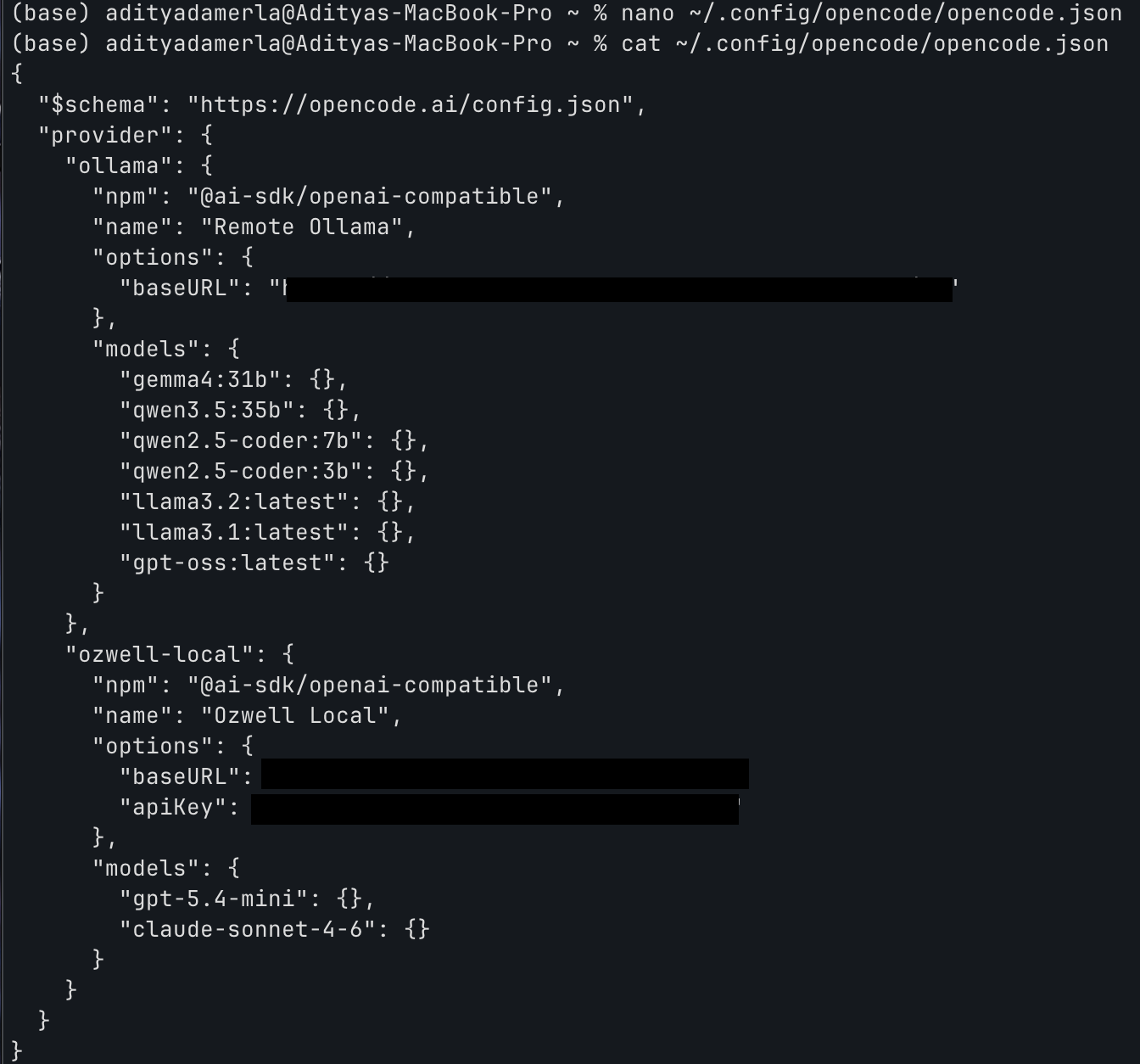
OpenCode stores custom providers in ~/.config/opencode/opencode.json. Open the file:
nano ~/.config/opencode/opencode.json
Add an OpenAI-compatible provider:
{
  "$schema": "https://opencode.ai/config.json",
  "provider": {
    "ozwell": {
      "npm": "@ai-sdk/openai-compatible",
      "name": "Ozwell",
      "options": {
        "baseURL": "https://ozwellapi.os.mieweb.org/v1",
        "apiKey": "YOUR_OZWELL_API_KEY"
      },
      "models": {
        "gpt-5.4-mini": {}
      }
    }
  }
}
The screenshot below shows the same file shape from local verification. For hosted setup, use the URL and key from the snippet above.
Then start OpenCode and select:
Ozwell / gpt-5.4-mini
VS Code Custom Endpoint
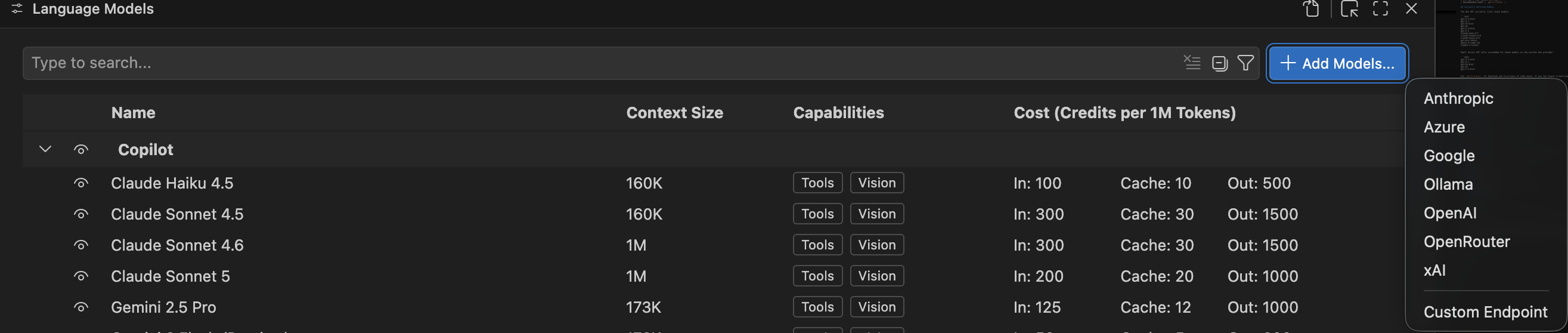
In VS Code, open the Language Models view and choose Add Models... → Custom Endpoint.
The screenshots below show the wizard from local verification. For hosted setup, enter the hosted URL from the JSON snippet.
Use a group name such as Ozwell.

Paste your Ozwell API key when prompted.

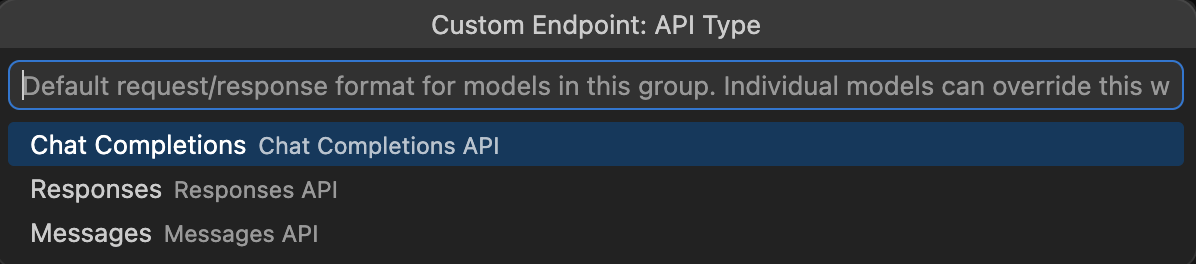
Choose Chat Completions as the API type.
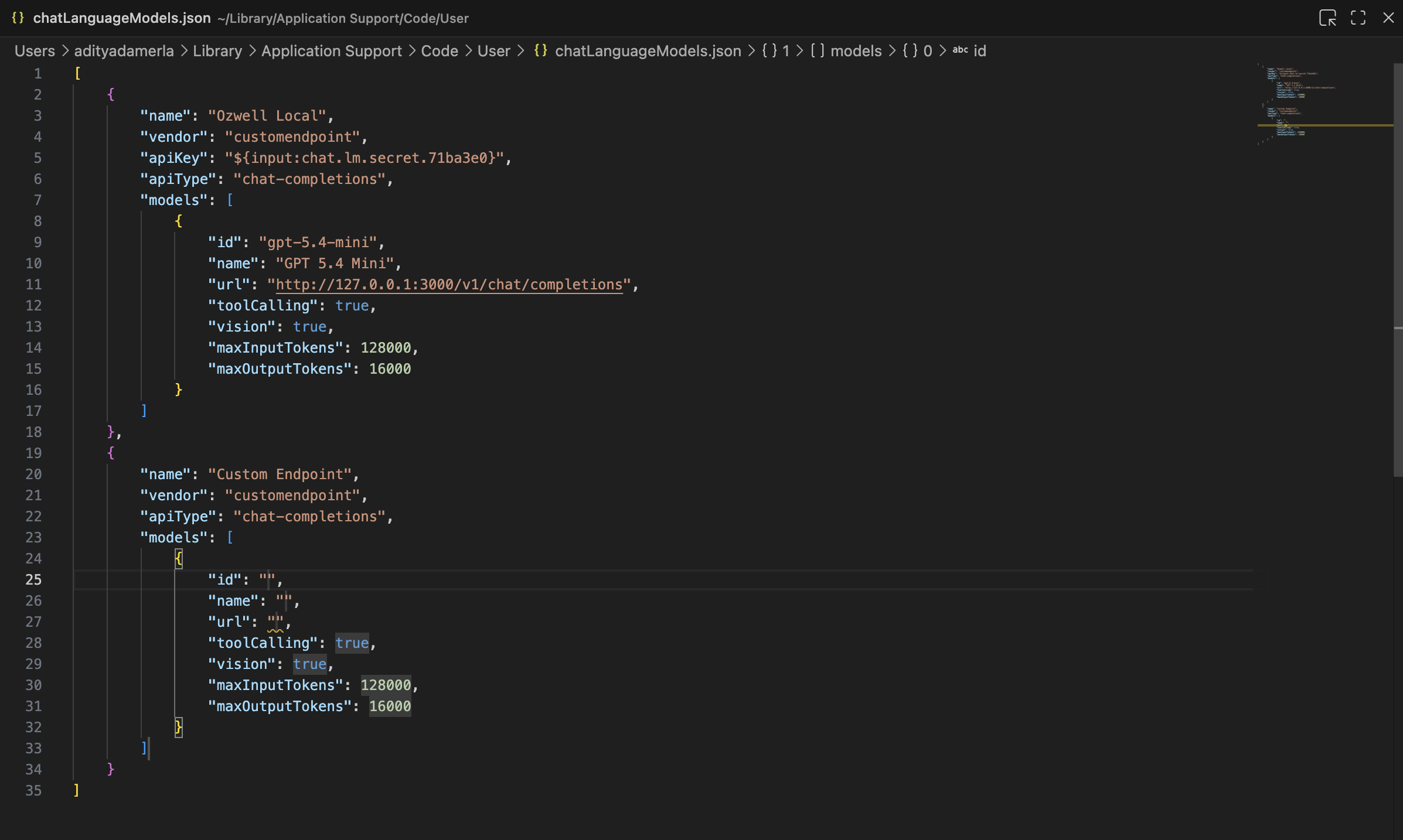
VS Code then opens chatLanguageModels.json. Keep the generated apiKey secret reference, and set the model entry to:
[
  {
    "name": "Ozwell",
    "vendor": "customendpoint",
    "apiKey": "${input:chat.lm.secret.YOUR_SECRET_ID}",
    "apiType": "chat-completions",
    "models": [
      {
        "id": "gpt-5.4-mini",
        "name": "gpt-5.4-mini",
        "url": "https://ozwellapi.os.mieweb.org/v1/chat/completions",
        "toolCalling": true,
        "vision": true,
        "maxInputTokens": 128000,
        "maxOutputTokens": 32000
      }
    ]
  }
]
After saving, pick the Ozwell model from the model selector.
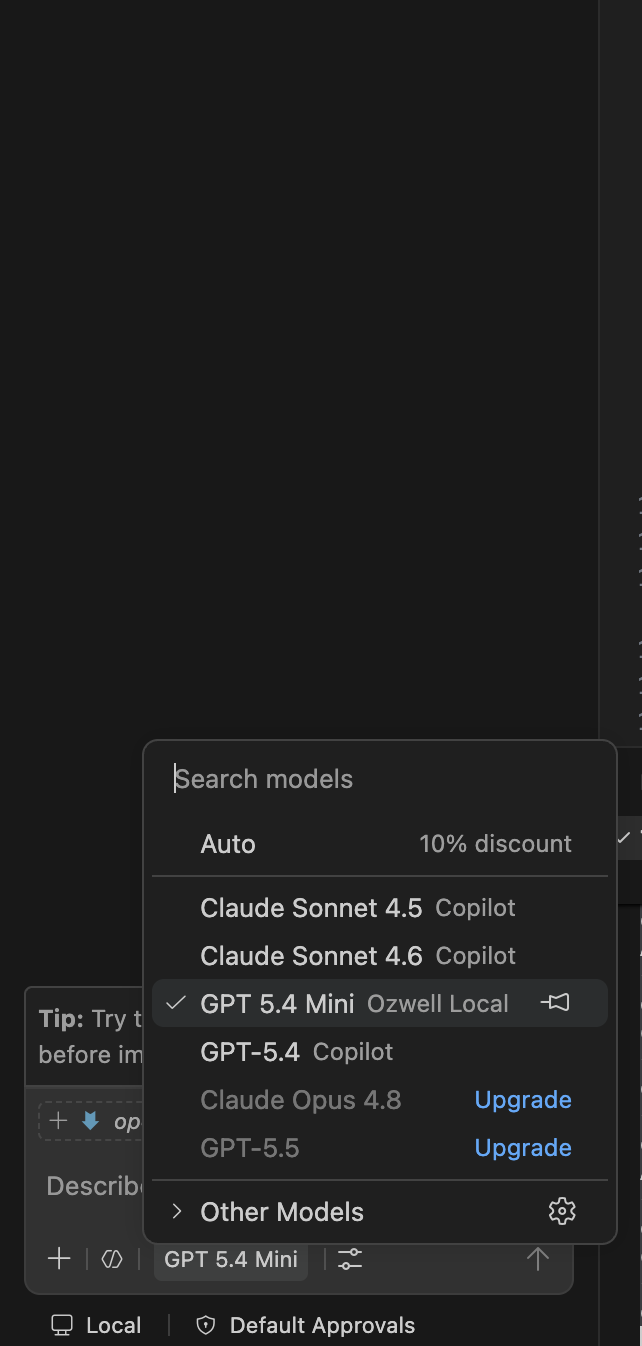
If the wizard already stored the API key, keep the generated ${input:chat.lm.secret...} value and only update the model and URL fields.
Caveats
gpt-4o-minidoes not work out of the box with OpenCode because OpenCode can request32000output tokens. It may work in VS Code ifmaxOutputTokensis16000.gpt-5.5is listed but is not the recommended client model until the temperature compatibility fix is deployed.- Anthropic and local models are listed for upcoming provider support, but the current dev API routes through the configured provider. Broader provider/model management is coming soon.
- Strict clients may reject fallback or warning events during streaming. Prefer a verified model instead of relying on fallback behavior.